
VidJuice UniTube Review
VidJuice UniTube
Video Software

Our score 8
What is VidJuice UniTube?
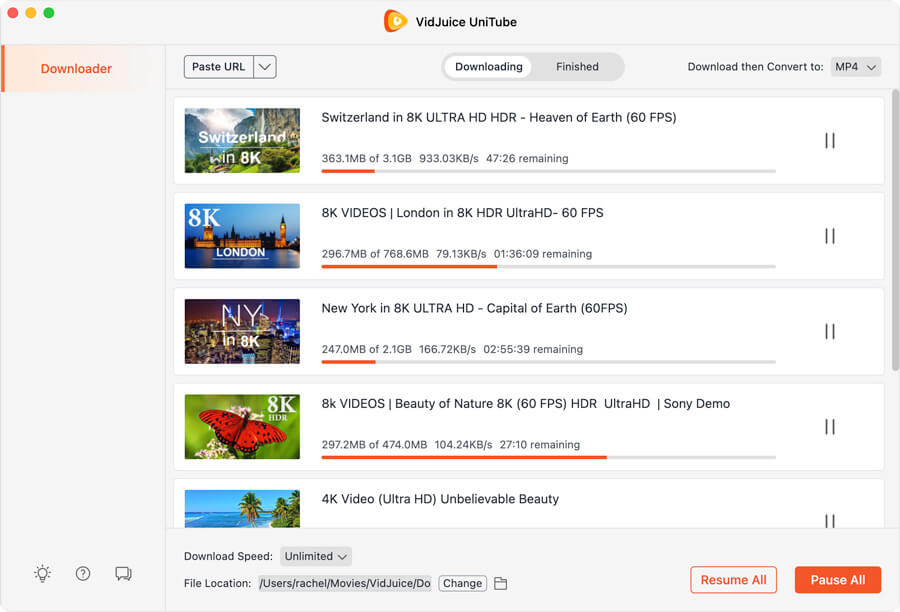
VidJuice Video Downloader enables you to save any video and audio content from YouTube and similar services in 8K, 4K, HD, 1080p and other resolutions, even convert to plenty of format automatically. Just copy and paste the URL in the app to get started.
Features
Grab entire YouTube playlist and channels at once within 1 click with pause and resume option.
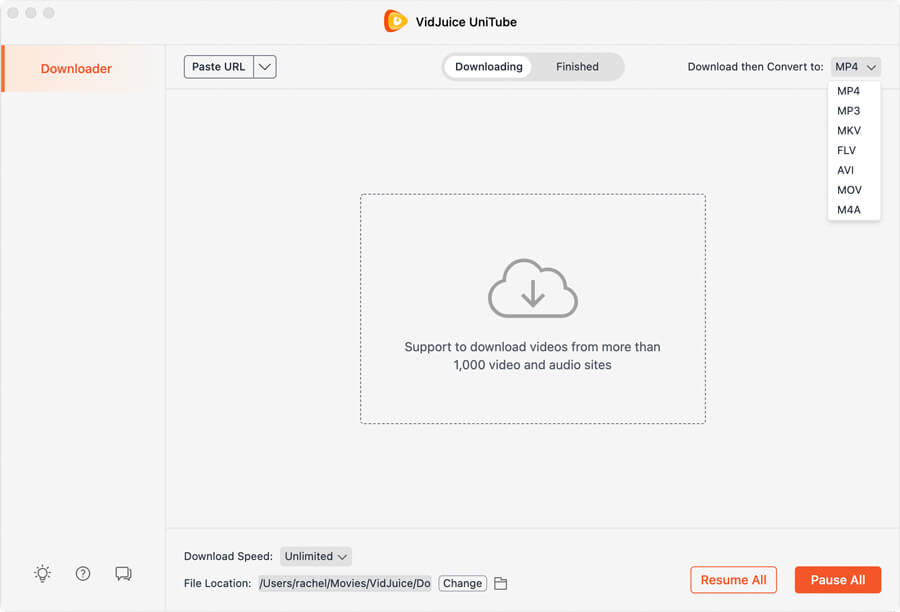
Batch download videos in 8K, 4K, UHD, 1080p, 720p, 60fps and many more qualities and convert YouTube videos as MP4 or MP3 to your Mac/PC, iPhone, iPad for offline playback.
Download subtitles or captions with YouTube videos. Save them in SRT format or burn the subtitle directly to the output video.
High speed integrated downloading speed.
Extract Audio from YouTube Video and save them to MP3 and M4A formats.
Frequent updates to ensure and add sites supported.
In-app HTTP/SOCKS proxy setting for location restricted downloads
Overview of VidJuice UniTube
Seller :
VidJuice Studio
Language supported :
English
Devices Supported :
Windows
Android
Mac
Web-based
Deployment :
Cloud Hosted
On Premise
Customer Types :
Small Business
Large Enterprises
Medium Business
Freelancers
Pricing Model :
Monthly payment
Annual Subscription
One-time payment
Support :
Email
Overview of VidJuice UniTube Features
- Built-in Web Browser
- Simultaneous Download
- 8k Resolution Support
- Flexible Video Cut
- Videos, Audios, and Playlists Download
- Cross-Platform Video Downloader
- Subtitle Download
- Video and Audio Conversion
Gallery
Page last modified
Share :
Popular VidJuice UniTube Alternatives









Report a problem Claim this Profile
suggestVideo
Add New Comment