

What is Todoist?
This software is designed to simplify task management while providing a seamless user experience.
One of the standout features of this software is its user-friendly interface.
Furthermore, the software offers a plethora of features that enhance productivity and organization.
Another impressive aspect of this software is its integration capabilities. It seamlessly integrates with various popular platforms and applications, such as email clients and calendar systems.
What makes this software truly exceptional is its robust collaboration features. This level of collaboration has greatly improved teamwork and ensured that everyone stays on the same page.
Multiple users have praised this software for its effectiveness, ease of use, and reliability.
Key Features:
- Intuitive and user-friendly interface
- Ability to create projects and subtasks
- Seamless integration with other platforms and applications
- Robust collaboration features
FAQ:
- Is this software compatible with mobile devices? - Yes, it offers mobile apps for both iOS and Android.
- You can easily assign tasks to individual team members and track their progress.
- Does the software offer a free version? - Yes, it provides a free plan with limited features, allowing you to get a taste of its capabilities before committing to a premium plan.
Todoist features
- Easily add and remove users
- Reminders
- Powerful Recurring Dates
- Filters
- Comments
- Notifications
- Share And Collaborate
- Productivity Visualization
- Track logins
- Real-Time Data Synchronization
- Archive search
- Projects
- Centralized team billing
- Sub projects
- File uploads
- Labels
- Intuitive Dates
- Multiple Priorities
- Project templates
- Automatic backups
- Sub Tasks
- Tasks
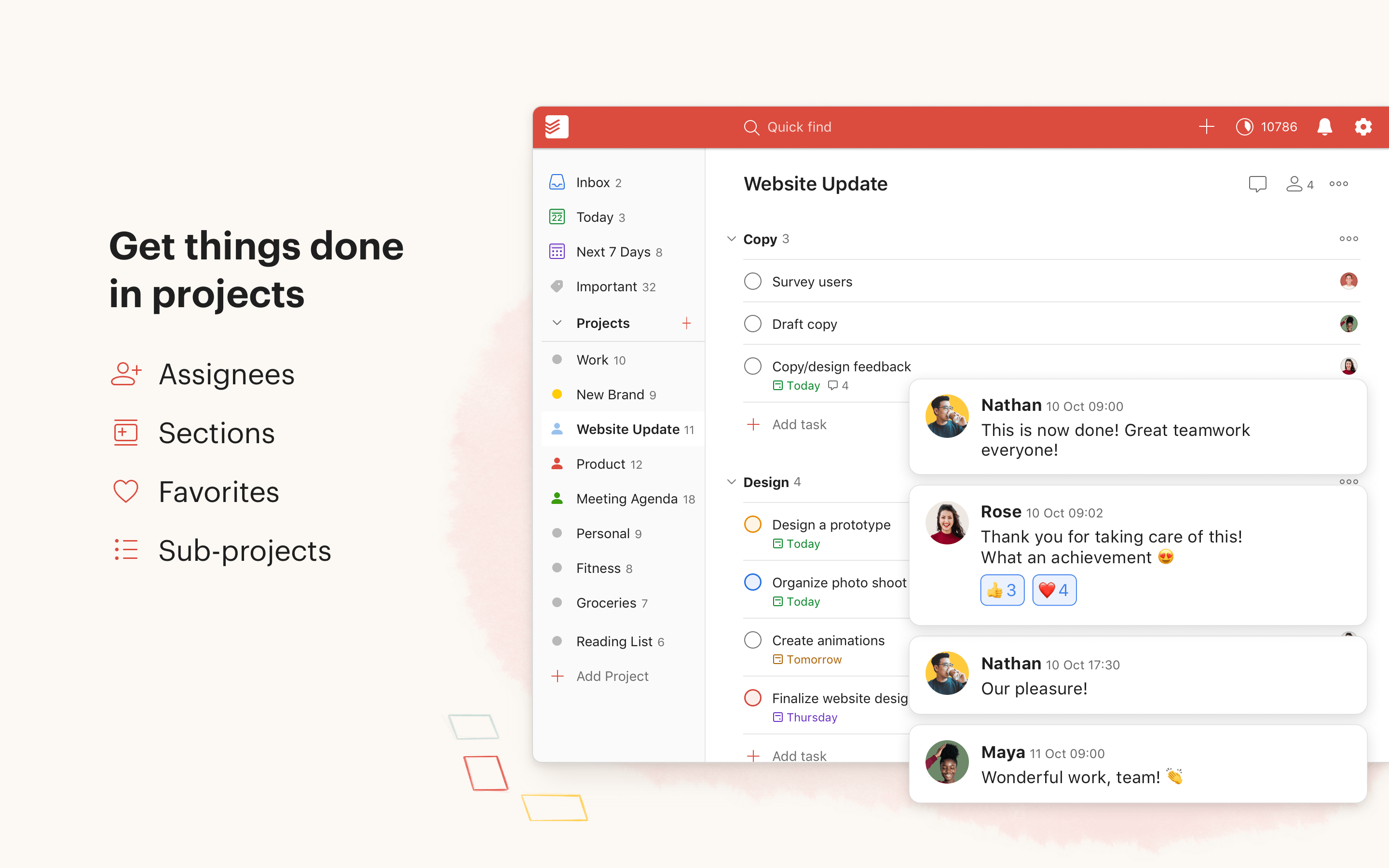
Todoist screenshots


Videos
Todoist product details
Todoist alternatives















Todoist reviews
No user reviews yet. Have you used Todoist? Share your experience below.
