
Snagit Review

Our score 9
What is Snagit?
Testimonial: Snagit Review
After testing out various screen capture software, I stumbled upon this amazing tool that has completely changed the way I work. The interface is user-friendly and intuitive, making it easy for even beginners to start capturing and editing screenshots and videos in no time.
Pros:
- Efficient and simple to use
- Wide range of editing tools
- Great export options
- Excellent customer support
Cons:
- May be overwhelming for first-time users
- Can be a bit pricey compared to other options
Overall, I highly recommend Snagit for anyone looking for a reliable screen capture software that offers a plethora of features to enhance your workflow. You won't be disappointed!
Key Features:
- Easy-to-use interface
- Editing tools for screenshots and videos
- Multiple export options
- Great customer support
FAQ:
- Is Snagit compatible with Mac and Windows?
- Can I record videos with Snagit?
- Is there a free trial available?
Overview of Snagit
Overview of Snagit Features
- Video Capture
- Snagit Stamps
- Special Effects
- PC and Mac Screen Capture
- Webcam Recording
- Magnify
- Mobile Capture
- Library
- Combine and Resize Images
- Google Hangout and Skype Audio Record
- Video Trimming
- Callouts, Shapes, and Text
- Image Capture
Gallery
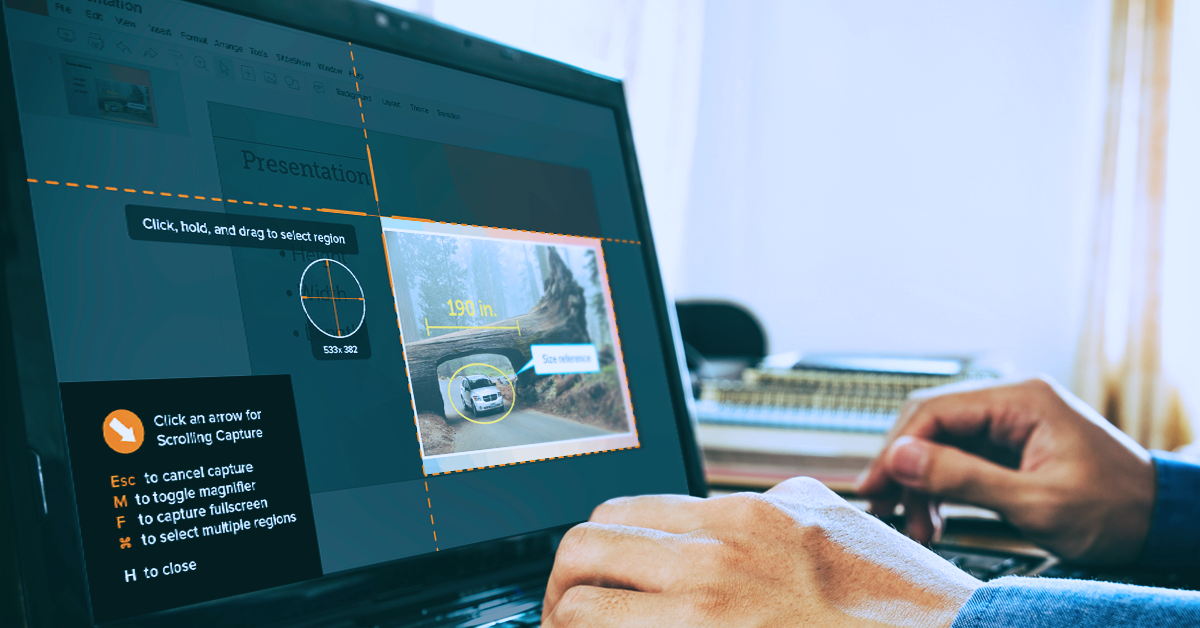
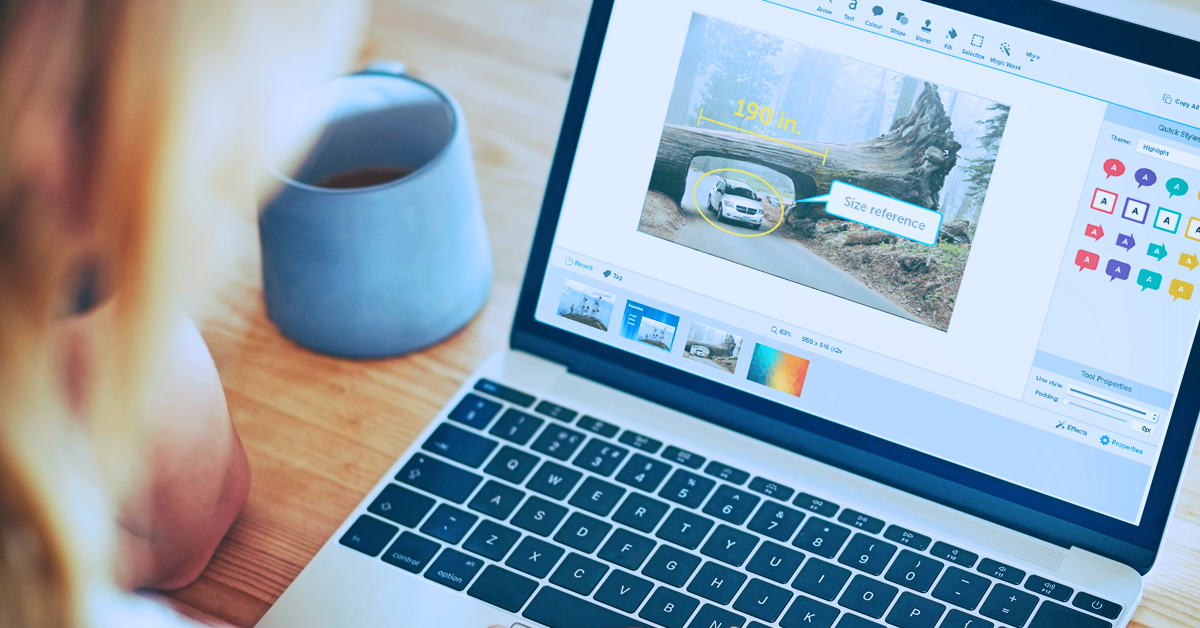
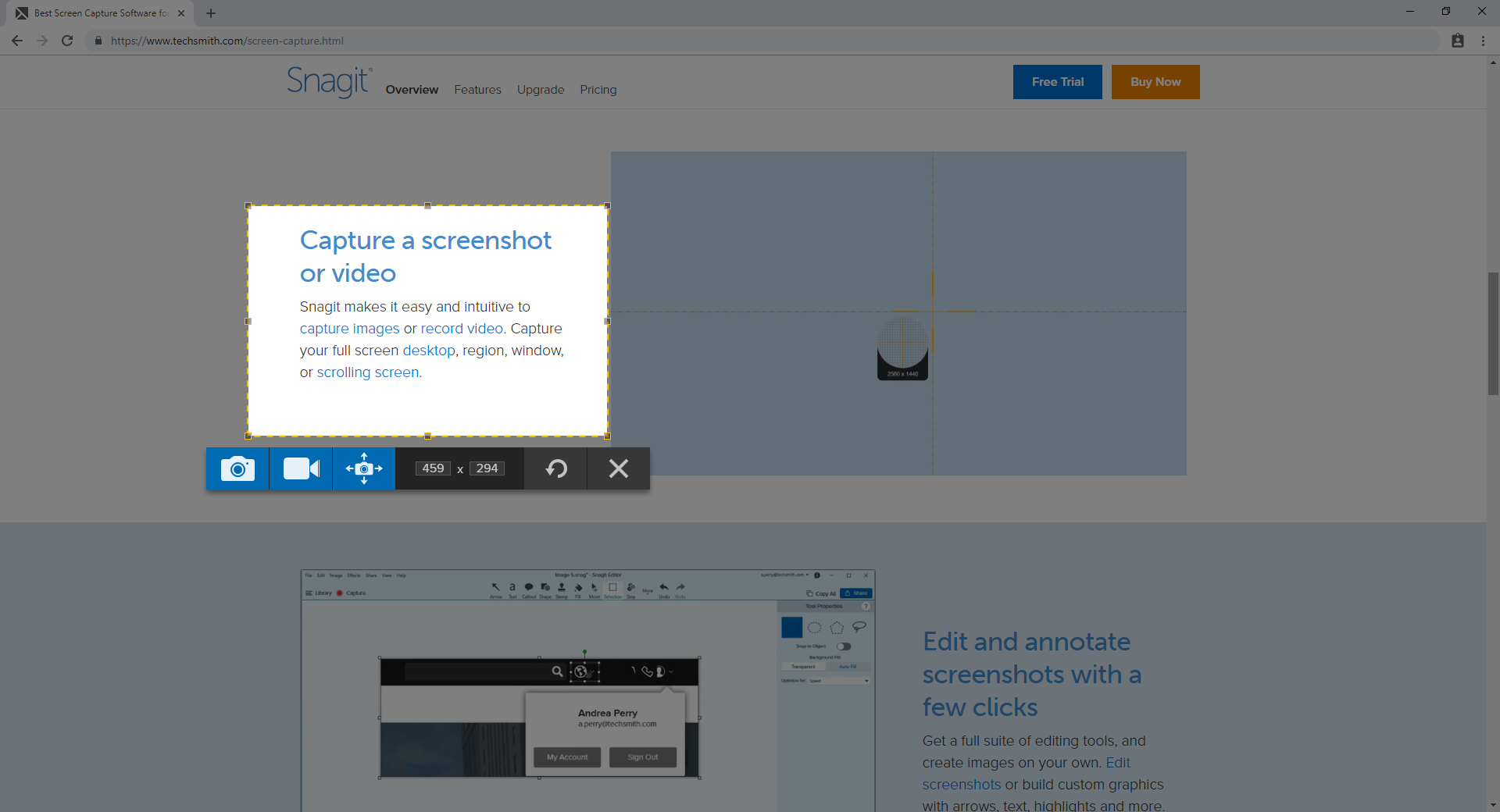
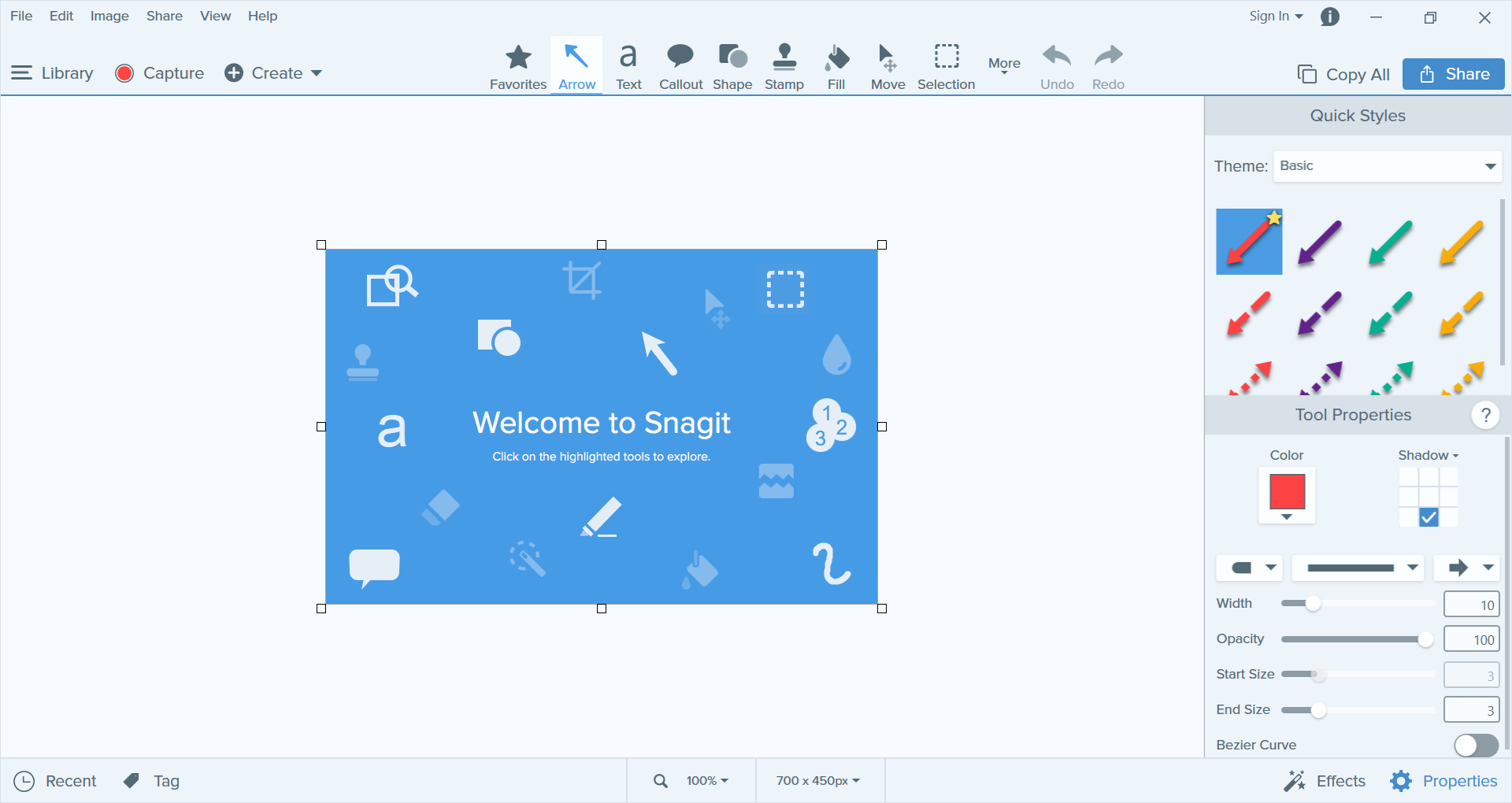
Videos
Pricing Plans
$49.99
$34.99










Report a problem Claim this Profile
Add New Comment