
oeHealth Review

Our score 8.6
What is oeHealth?
Review of oeHealth - Medical Practice Management Software
I recently had the opportunity to use and test a software that has completely transformed the way medical practices are managed. The software is user-friendly, efficient, and packed with impressive features that cater to the needs of the healthcare industry. In this review, I will share my personal experience and highlight the key features that make this software stand out.
Easy-to-Use Interface
The first thing that caught my attention was the intuitive user interface of oeHealth. Navigating through the software was a breeze, thanks to its well-organized and neatly structured layout. The developers have ensured that even those with limited technical skills can easily master the software.
Seamless Appointment Management
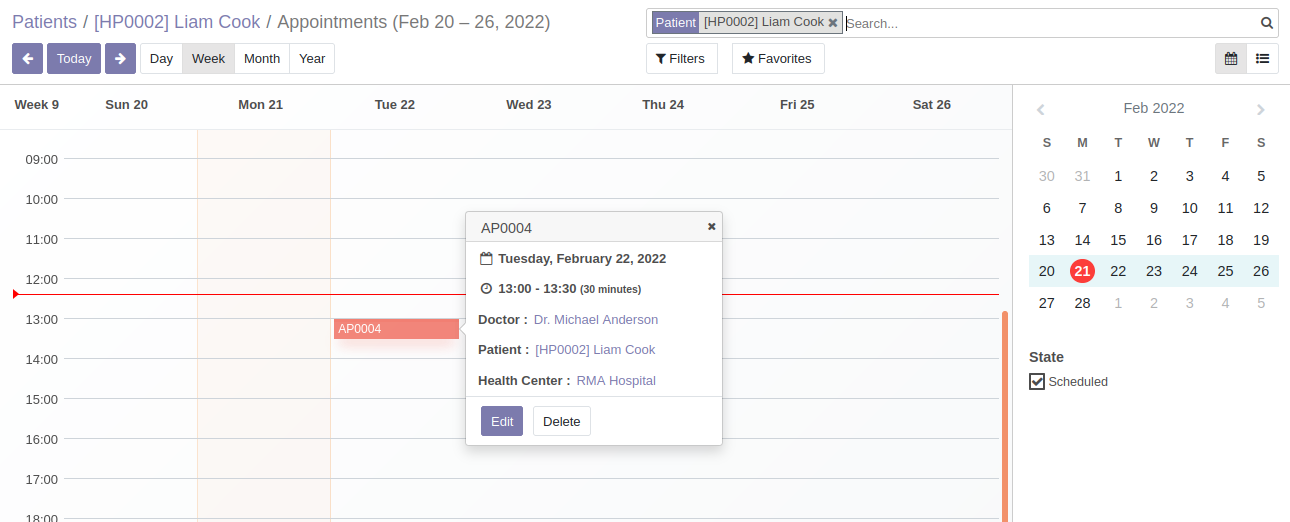
One of the most important aspects of a medical practice is managing appointments efficiently. oeHealth provides a comprehensive solution for appointment scheduling, making it incredibly easy to manage the schedules of multiple doctors, allocate time slots for various procedures, and send automated appointment reminders to patients. This feature alone has greatly improved the overall efficiency of our practice.
Streamlined Patient Records
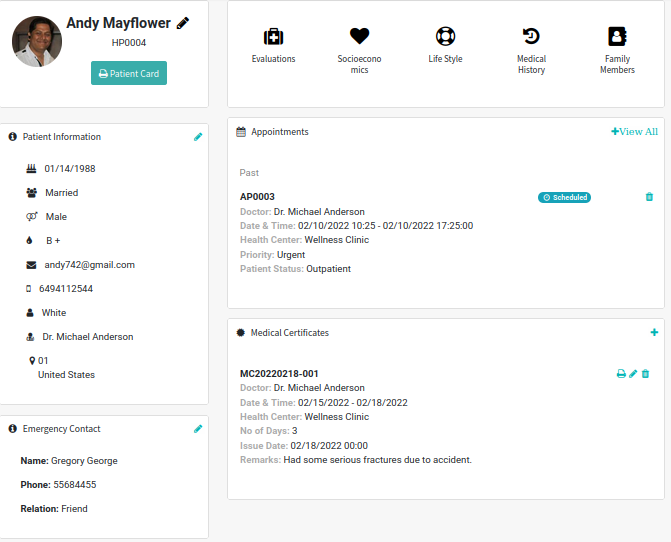
Keeping patient records organized and easily accessible is a top priority for any medical practice. With oeHealth, managing patient records has been made a breeze. The software allows for the creation of custom templates and forms, making it easy to capture all relevant patient information. The ability to easily search and retrieve patient records has improved our workflow tremendously.
Efficient Billing and Claims Management
oeHealth has simplified the often complex process of billing and claims management. With its built-in billing system, it is easy to generate and send invoices to patients, insurance companies, and third-party payers. The software also provides tools for tracking claims and automatically reconciles payments, reducing the chances of errors and increasing revenue collection.
Robust Reporting and Analytics
Data-driven decision making is crucial in the healthcare industry, and oeHealth does not disappoint in this aspect. The software offers a wide range of customizable reports and analytics, allowing administrators to gain insights into various aspects of the practice. These reports help identify areas for improvement, monitor performance, and make informed business decisions.
Simple FAQs:
- 1. Can oeHealth be accessed from multiple devices?
- 2. Is the software compliant with privacy regulations?
- 3. Are training and support provided?
Yes, oeHealth is a cloud-based software, which means it can be accessed securely from any device with an internet connection.
Absolutely! oeHealth prioritizes data security and compliance with privacy regulations, ensuring that patient information is protected.
Yes, the software comes with comprehensive training and a dedicated support team to assist users with any questions or concerns they may have.
Key Features:
- Easy-to-use interface
- Efficient appointment management
- Streamlined patient records
- Efficient billing and claims management
- Robust reporting and analytics
Overview of oeHealth
Overview of oeHealth Features
- Imaging Tests Management
- OPD Management
- Document Management
- Physician Management
- Policy Management
- Invoicing or Medical Billing
- Laboratory Management
- Follow-up Management
- Patient Information Management
- API
- Hospital Support Function System
- Payment Processing
- E-prescriptions
- Telehealth/Telemedicine
- ICU and Surgical Management
- Doctors Activities Scheduling
- Self-Service Portal
- Patient Records Management
- Appointment Scheduling
- Inventory Management
- Pediatrics Management
- Secure Data Storage
- Financial Management
Gallery














Report a problem Claim this Profile
Add New Comment