
MailClark Review
MailClark
Shared Inbox Software

What is MailClark?
MailClark Review
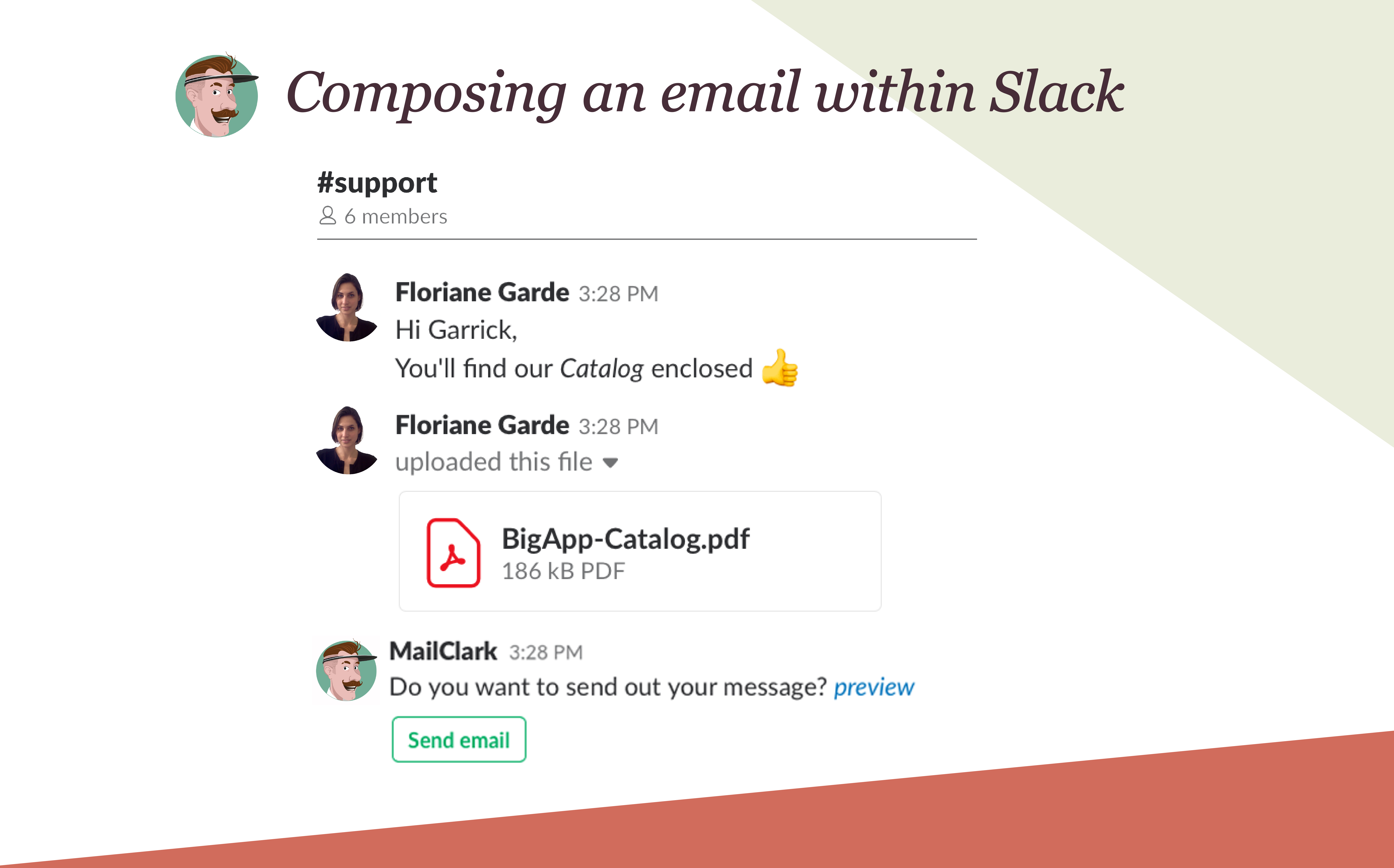
As a frequent user of various productivity tools, I recently had the opportunity to test out a powerful tool that has significantly improved my email management and communication workflow. This all-in-one solution has made it much easier for our team to collaborate efficiently and stay organized.
- Easy integration with multiple email accounts
- Seamless integration with popular messaging platforms
- Real-time notifications for incoming messages
- User-friendly interface for managing conversations
User Feedback
"MailClark has truly transformed the way I communicate with my team. It streamlines the email and messaging process, making it simple to stay on top of important conversations."
"I love how MailClark seamlessly integrates with our existing workflow. It's like having a personal assistant handling all of our communication needs."
Key Features:
- Shared inbox functionality
- AI-powered productivity bots
- Advanced email filtering and sorting options
- Real-time collaboration tools
FAQs:
- Is MailClark compatible with all email providers?
- Yes, MailClark can integrate with a wide range of email providers, making it versatile for all users.
- Can I customize notifications for different communication channels?
- Yes, users have the ability to customize their notification settings based on their preferences.
Overview of MailClark
Seller :
MailClark
HQ Location :
Lyon, France
Year founded :
2014
Language supported :
English
Gallery

Page last modified
Share :
Popular MailClark Alternatives











Report a problem Claim this Profile
suggestVideo
Add New Comment