
Countly Review

Our score 8.2
What is Countly?
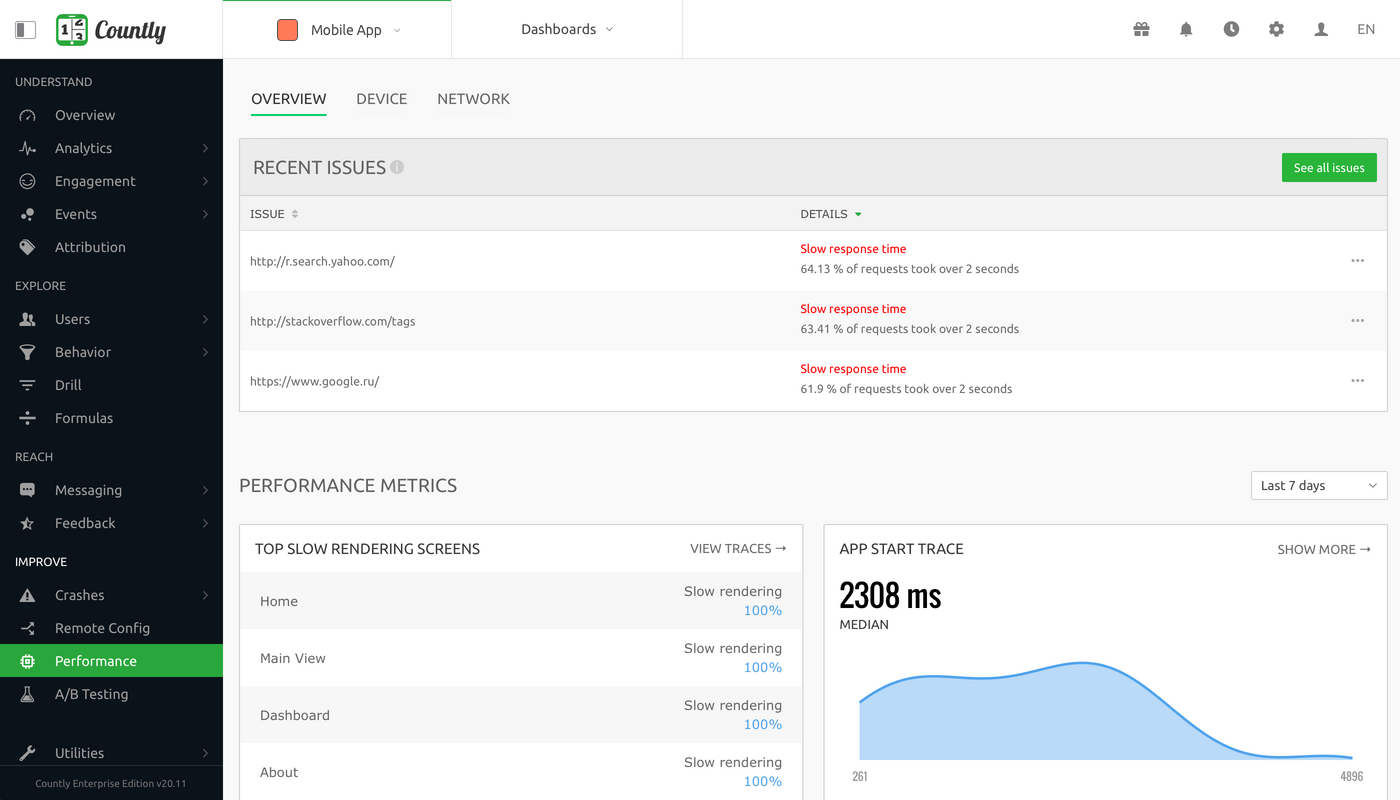
Countly Software Review
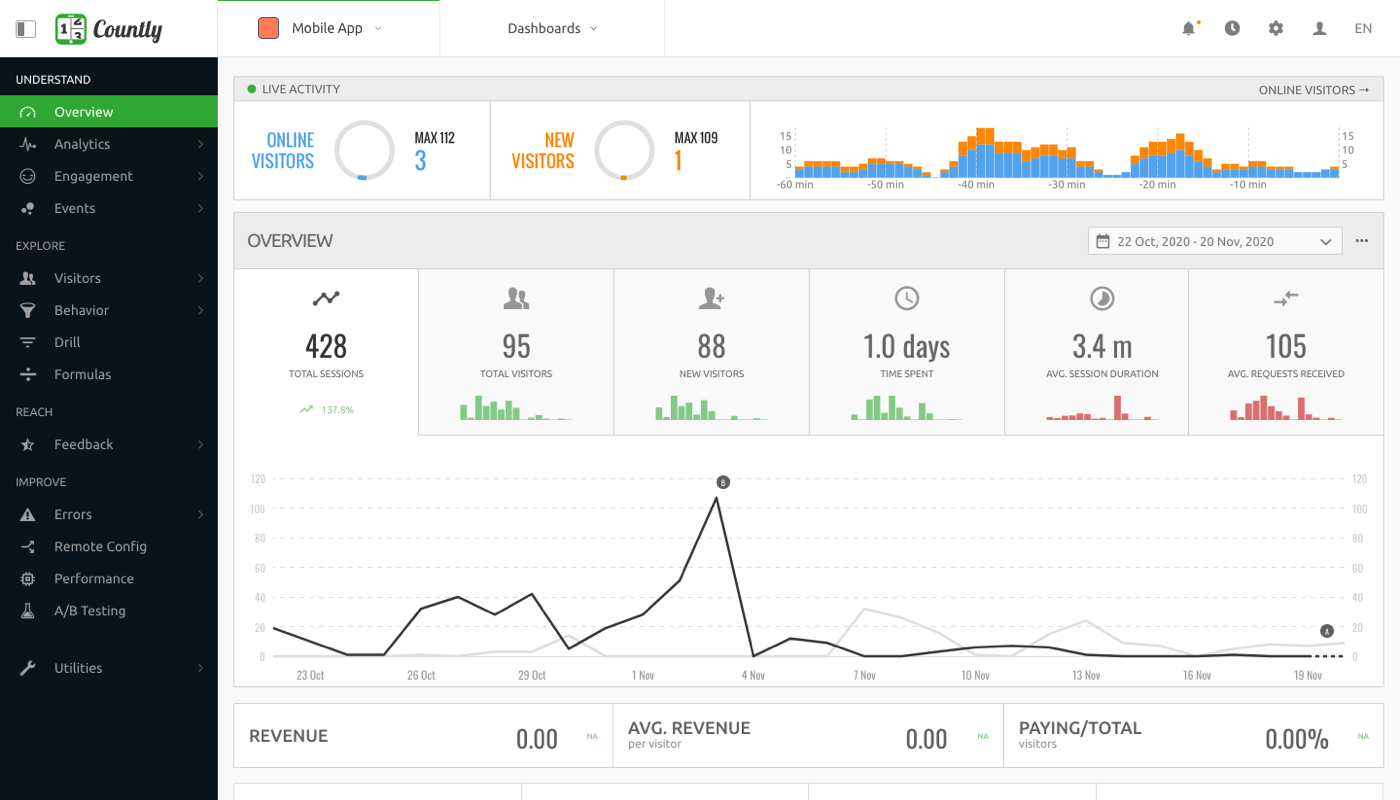
After testing the Countly software, I was truly impressed with its user-friendly interface and powerful features. The level of detail and customization options available make it a top choice for businesses looking to analyze and optimize their push notifications, digital analytics, and mobile app performance. I found the ability to track user behavior in real-time particularly useful, as it allows for quick adjustments and improvements to be made.
Key Features:
- Real-time user tracking
- Customizable push notifications
- Detailed digital analytics
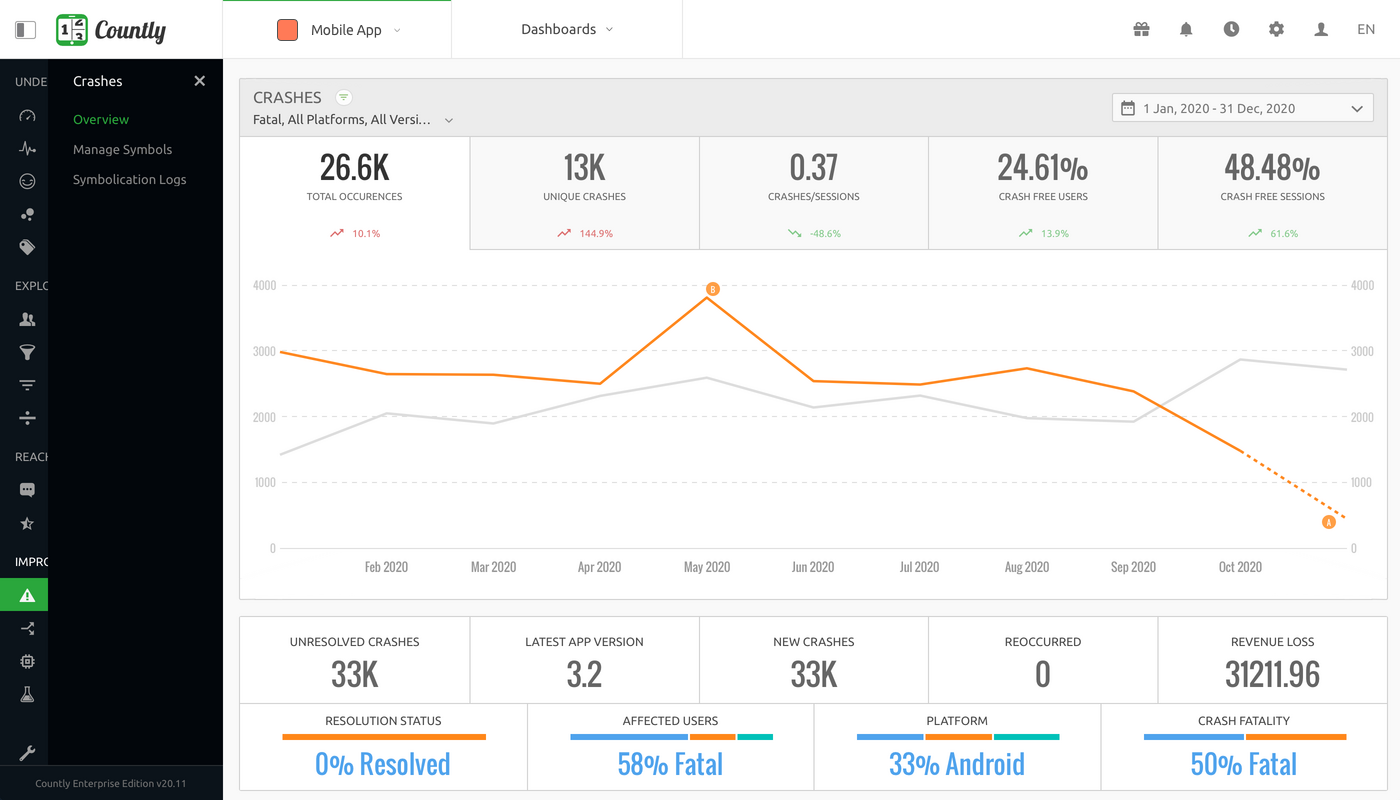
- Mobile crash reporting
- App optimization tools
- E-commerce analytics
- Application development support
Customer Quotes:
"Countly has revolutionized the way we track user engagement and optimize our mobile app performance." - Satisfied User
FAQ:
- Is Countly easy to use?
- Can Countly integrate with other software?
Yes, Countly's intuitive interface makes it simple for users to navigate and utilize its various features.
Yes, Countly offers integration options with a variety of third-party applications for a seamless user experience.
Overview of Countly
Overview of Countly Features
- In-app notifications
- Referral Analytics
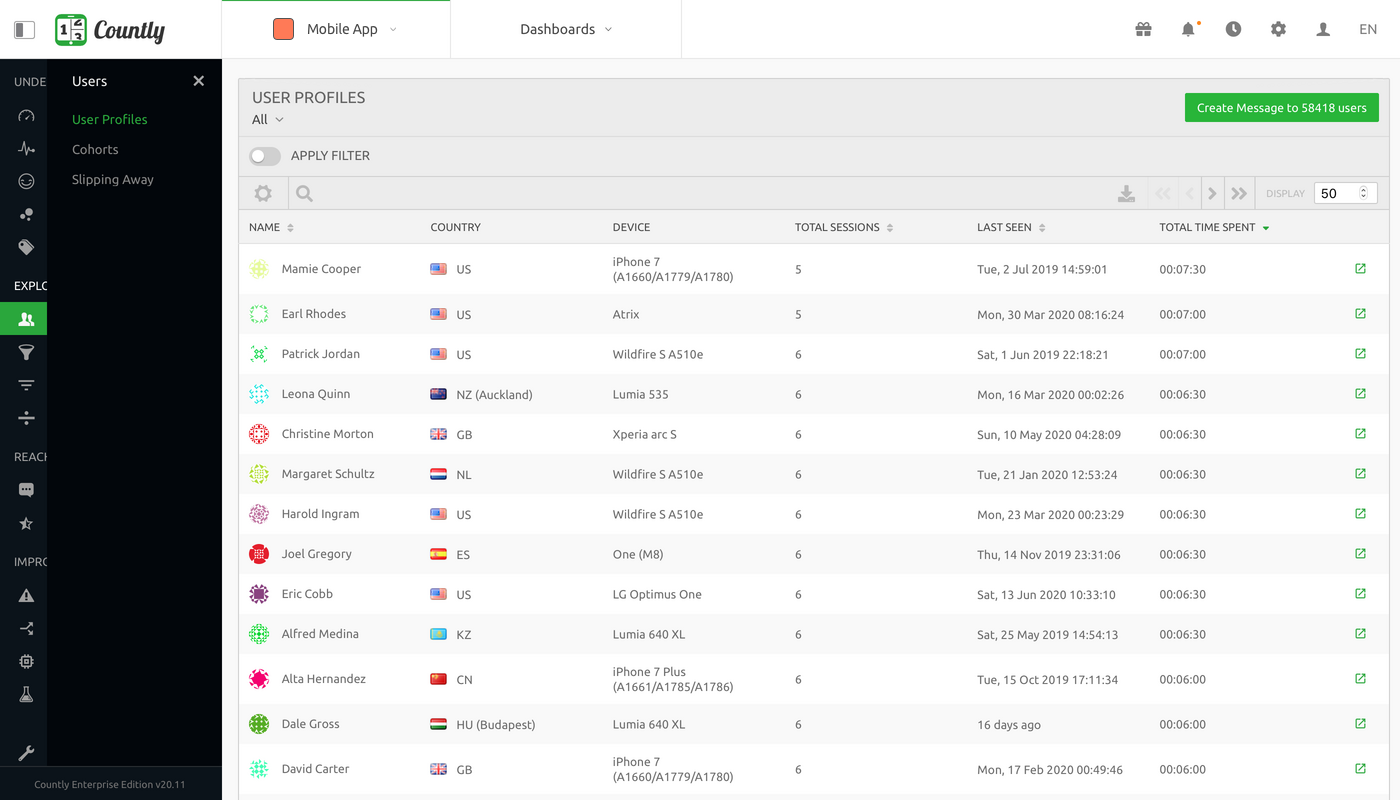
- User Profiles
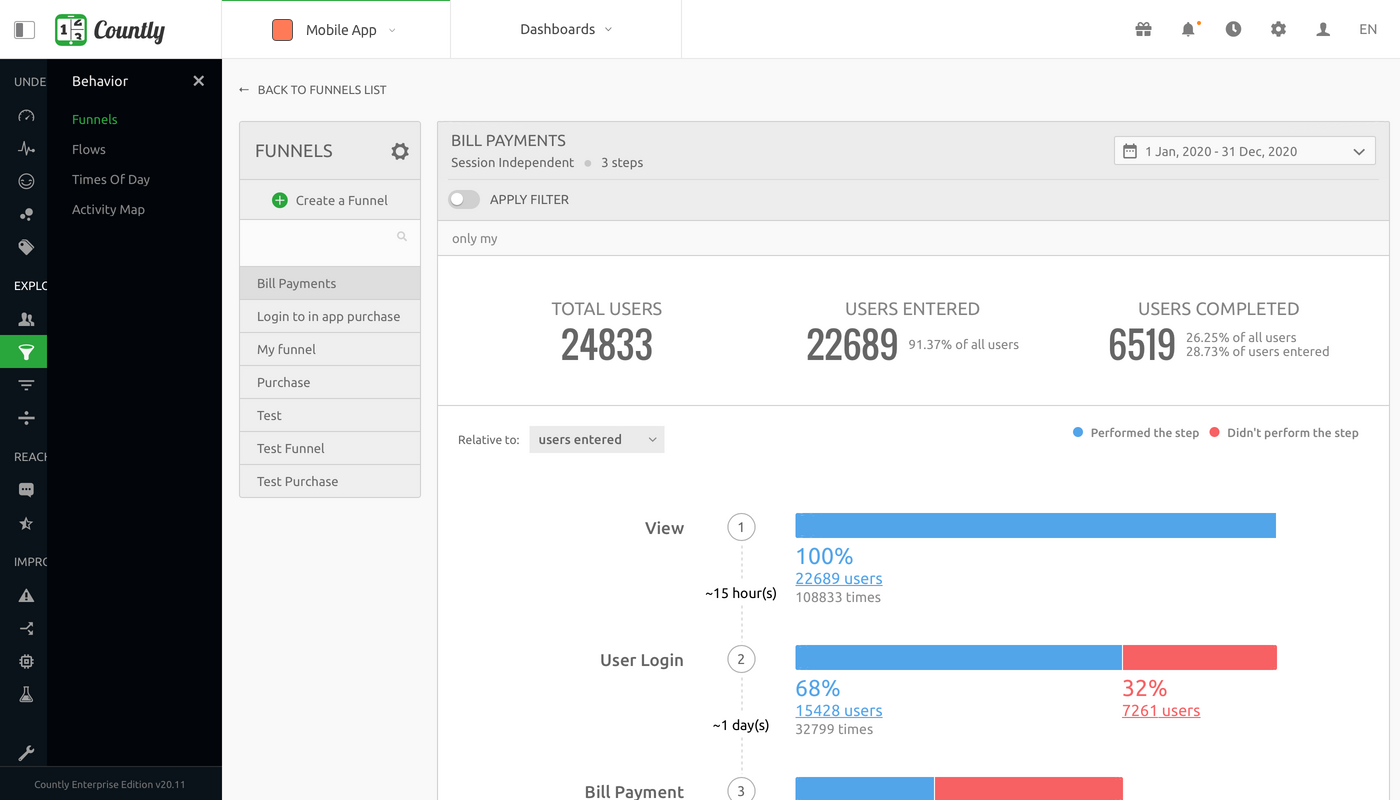
- Funnels
- Crash Reporting
- Geo-Locations
- Alerts
- A/B Testing
- Rich Push Notifications
- Drill & Segmentation
- Assistant
- On-premise
- Heatmaps
- Cohorts
- White Label Analytics
- Remote Config
- Automated Push
- Enterprise Analytics
- Dashboards
Gallery

Videos
Popular Countly Alternatives










Report a problem Claim this Profile
Add New Comment