
Webydo Review

Our score 8.25
What is Webydo?
Impressive Web Design Software
As a web designer, I am always on the lookout for new tools to streamline my workflow and create stunning websites. After testing out this software, I must say that I am thoroughly impressed with its features and capabilities.
- Intuitive drag-and-drop interface
- Customizable templates for various industries
- Responsive design options for mobile optimization
- Code-free design capabilities
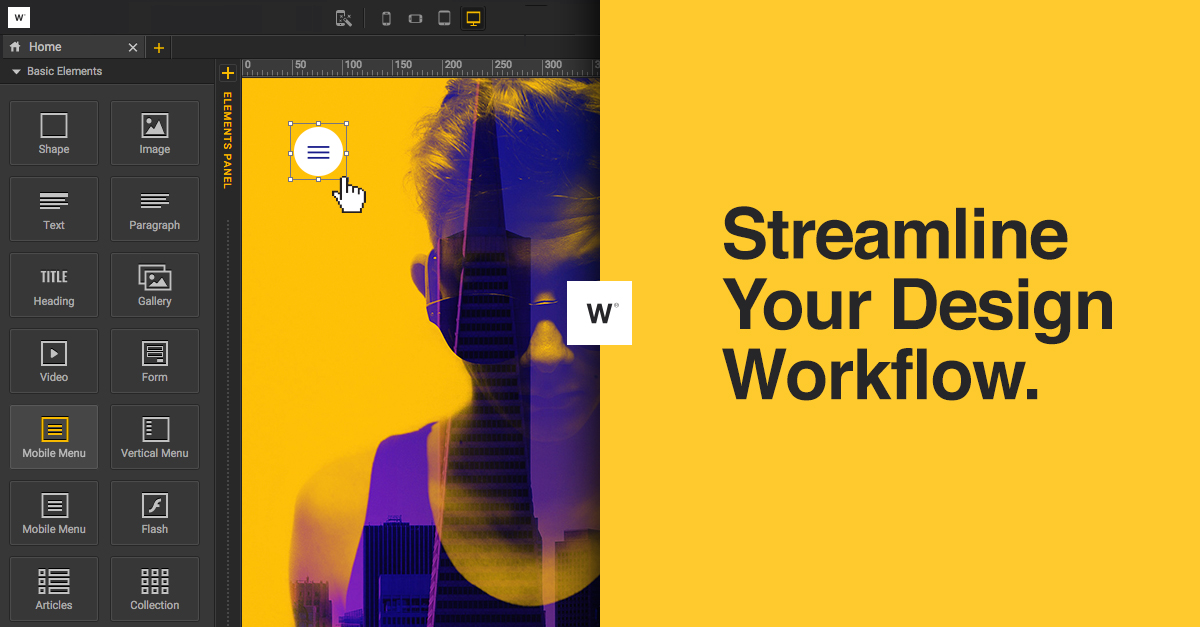
One of the standout features of this software is the ease of use. The drag-and-drop interface makes it simple to create visually appealing websites without any coding knowledge. I was able to quickly create a professional website for a client in just a few hours, thanks to the customizable templates and responsive design options.
Overall, I highly recommend this software for web designers looking to streamline their workflow and create stunning websites.
Key Features:
- Intuitive drag-and-drop interface
- Customizable templates
- Responsive design options
- Code-free design capabilities
FAQ:
- Is coding knowledge required to use this software?
- Does this software offer responsive design options?
No, this software allows for code-free design capabilities.
Yes, this software offers responsive design options for mobile optimization.
Overview of Webydo
Overview of Webydo Features
- Billing
- Dashboard
- Parallax Scrolling Animators
- Snap to Grid
- Branding
- E-Commerce
- Responsive Breakpoints
- Code Free Web Design
- WYSIWYG
- Smart Guides
- Multiple Web Fonts
- Media Library
- Fast Paced Production
- SEO
- Web Hosting
- Cross Platform Editing
- Analytics
- Site Permissions
- Unlimited Websites Management
- CMS
- Video Support
- In Browser Editing
- Drag-and-Drop
- Anchor Links
Gallery





Videos
Popular Webydo Alternatives


Report a problem Claim this Profile
Add New Comment