
Vault Review
Vault
Bug Tracking Software

Our score 8.1
What is Vault?
Review of Vault Software
I recently had the opportunity to test out a new software called Vault, and I must say, I was thoroughly impressed with its ease of use and functionality. The sleek interface made it simple to navigate and get started right away. One feature that I found particularly useful was the ability to track bugs and issues in real-time. This allowed me to stay on top of any potential problems and address them quickly before they escalated. Additionally, the version control system was seamless and efficient, making it easy to collaborate with team members and manage different iterations of projects. Other users have also praised Vault for its reliability and robust security measures. One user even mentioned that they were able to "increase productivity significantly" after implementing Vault into their workflow. Overall, I highly recommend Vault for any team looking to streamline their development process and improve communication among team members. It has truly been a game-changer for me and I will continue to use it in the future.Key Features:
- Real-time bug tracking
- Efficient version control system
- Robust security measures
- Easy collaboration with team members
Frequently Asked Questions:
- Is Vault suitable for teams of all sizes?
- Can Vault be integrated with other software tools?
Yes, Vault is designed to accommodate teams of all sizes, from small startups to large corporations.
Yes, Vault offers seamless integration with a variety of popular software tools to enhance user experience.
Overview of Vault
Seller :
SourceGear
HQ Location :
Champaign, Illinois
Year founded :
1997
Language supported :
English
User satisfaction :
100
Integrations :
Microsoft Visual Studio
Devices Supported :
Windows
Mac
Linux
Deployment :
Cloud Hosted
On Premise
Customer Types :
Small Business
Large Enterprises
Medium Business
Pricing Model :
One-time payment
Support :
Email
Training
Tickets
Overview of Vault Features
- SQL Studio
- Visual Studio Integration
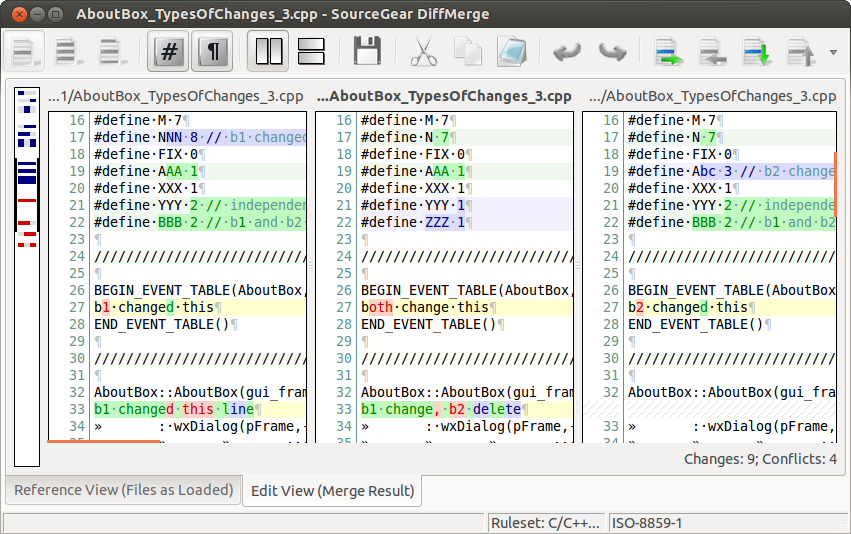
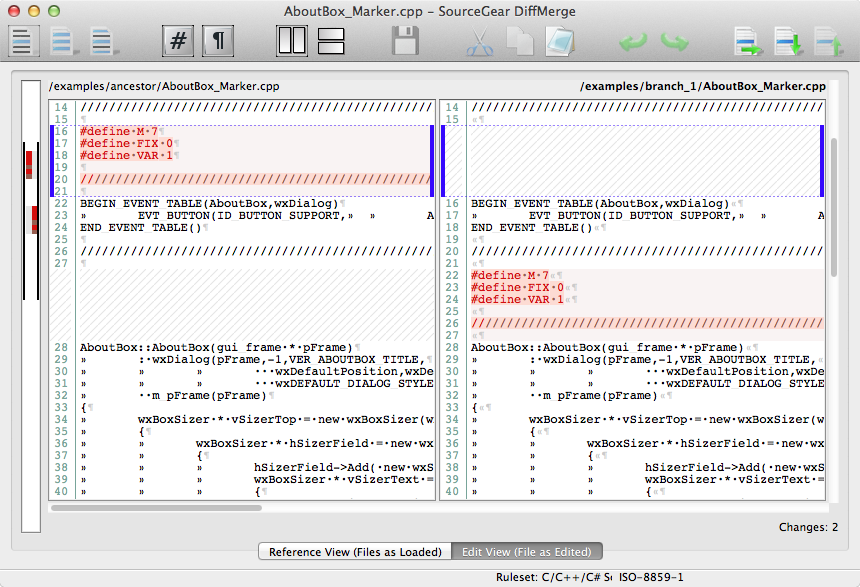
- DiffMerge
- Eclipse Integration
- SourceSafe Import
- Image Past & Edit
- Time Log
- Source Code Control Notifications
- Work Item Tracking
- DiffMerge
- Command-Line Client
- .NET & Java APIs
- Ant/NAnt Integration
- FogBugz Integration
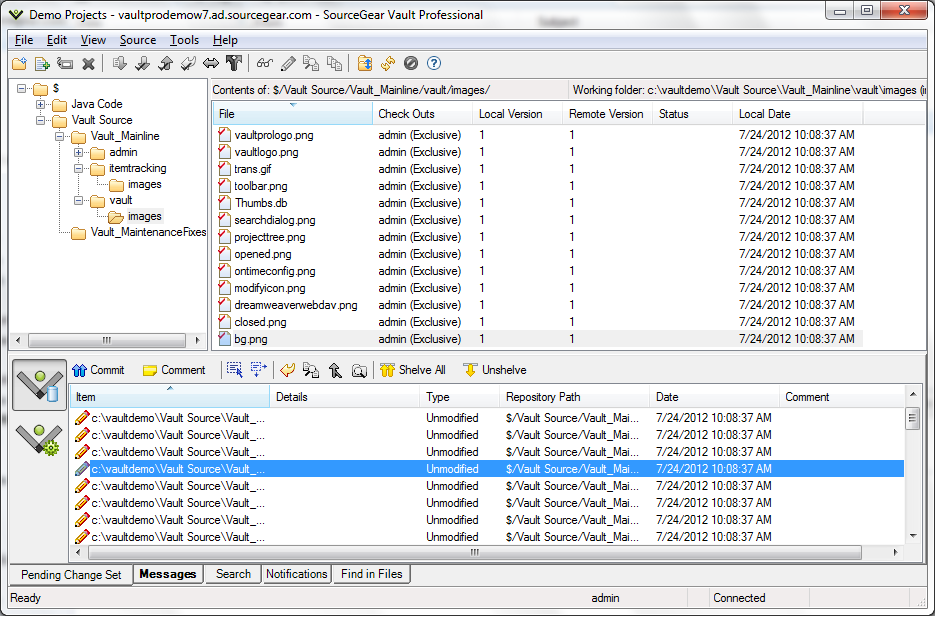
- Version Control
- Search in Files
- Line History
- Notifications
- History Explorer
Gallery
Videos
Page last modified
Share :

Popular Vault Alternatives







Report a problem Claim this Profile
suggestVideo
Add New Comment