
Linga rOS Review
Linga rOS
Restaurant POS Systems

Our score 5.5
What is Linga rOS?
Review of Restaurant POS Software
After testing multiple restaurant POS systems, I must say that I was truly impressed by the functionality and user-friendliness of this software. It was incredibly easy to set up and navigate, making it a great choice for both small and large restaurants alike.
Pros:
- Intuitive interface
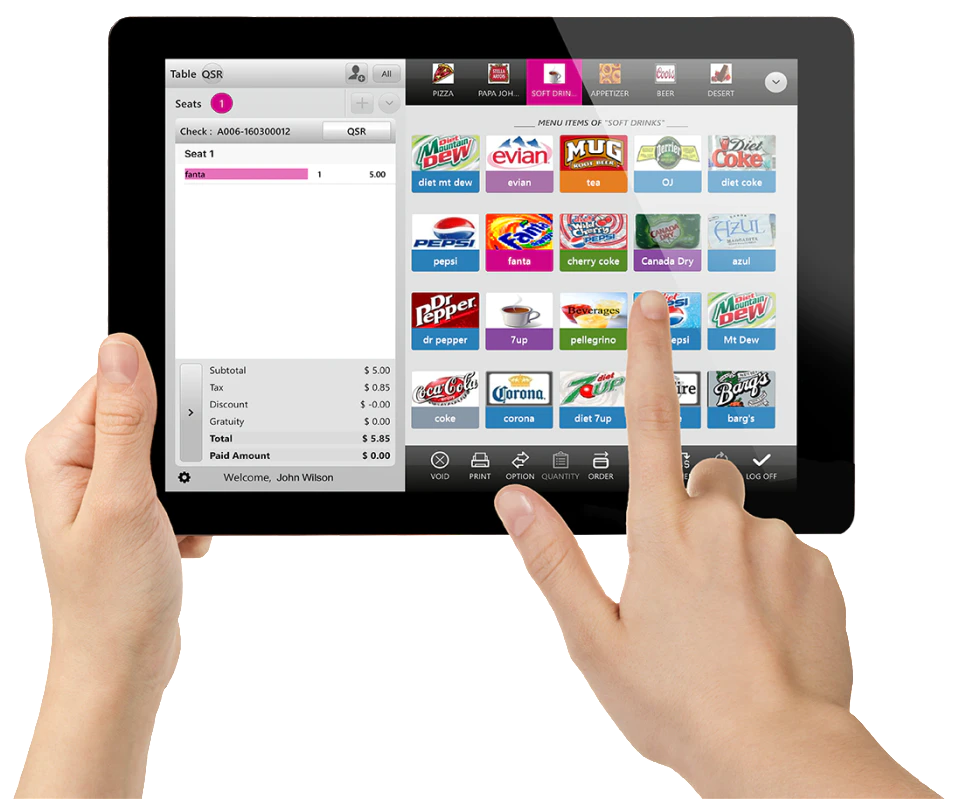
- Customizable menu options
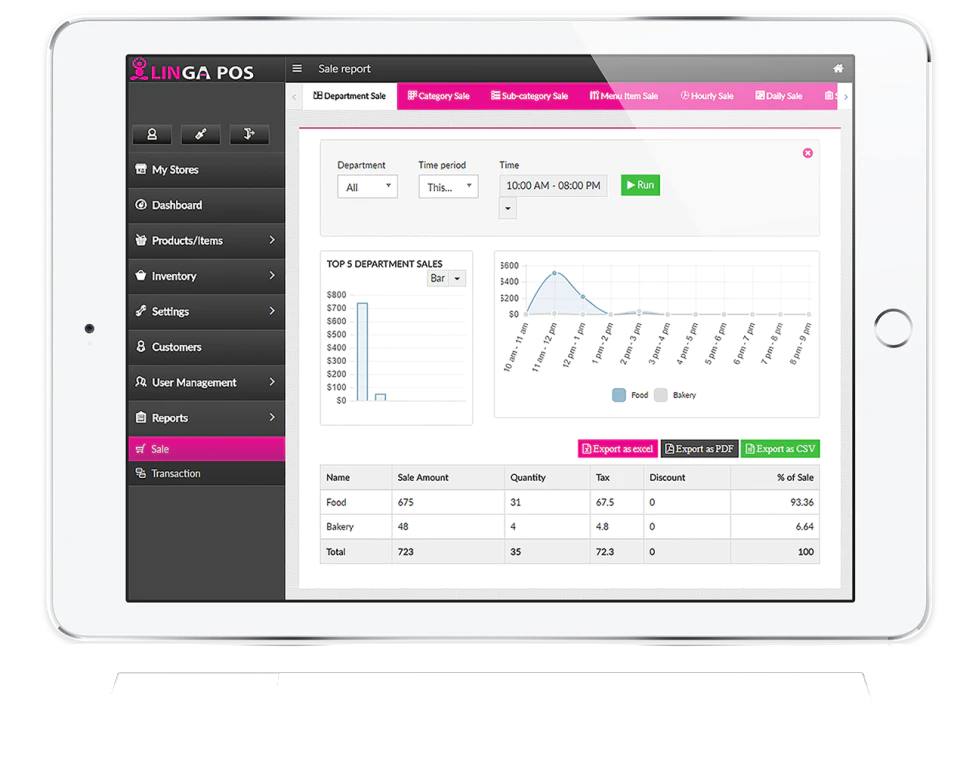
- Detailed reporting capabilities
- Efficient order processing
- Seamless integration with payment processors
Cons:
- Limited customization for table layouts
- Slight learning curve for advanced features
User Testimonials:
"This POS software has revolutionized the way we handle orders and payments at our restaurant. It's incredibly efficient and has helped us increase our overall revenue." - Restaurant Owner
"I love how easy it is to train new employees on this software. The interface is so straightforward and user-friendly." - Restaurant Manager
Key Features:
- Easy setup and installation
- Customizable menu options
- Detailed reporting capabilities
- Efficient order processing
- Seamless integration with payment processors
FAQ:
- Is there a mobile app version available?
- Yes, there is a mobile version of the software available for both Android and iOS devices.
- Can I customize the layout of my restaurant tables?
- While there are some limitations to table layout customization, you can still create a functional floor plan for your restaurant.
Overview of Linga rOS
Seller :
Linga POS
HQ Location :
Naples, FL
Language supported :
German
English
French
Italian
Japanese
Dutch
Polish
Spanish
Swedish
Turkish
Russian
Chinese
Hindi
User satisfaction :
100
Integrations :
Devices Supported :
Android
iPhone/iPad
Web-based
Deployment :
Cloud Hosted
Customer Types :
Medium Business
Pricing Model :
Monthly payment
Annual Subscription
Support :
Email
Phone
Live Support
Training
Tickets
Overview of Linga rOS Features
- Till Management
- Nest Camera
- Kitchen Display Systems
- To-Go Orders
- Food Cost Analysis
- Split Checks
- Signature on Pad
- Roles and Permissions
- Table Management
- Customer Targeting
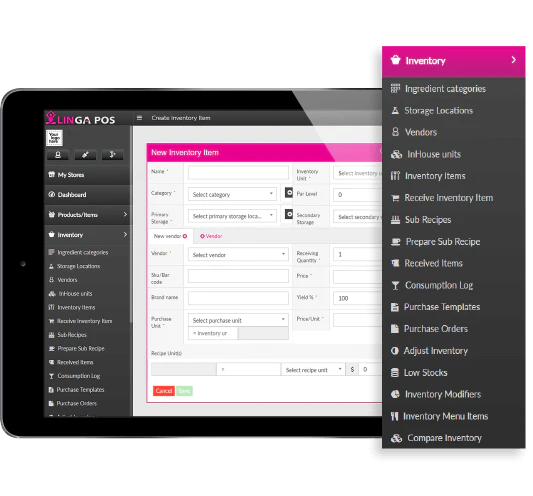
- Inventory Comparison
- Custom Alerts
- Barcode Scanning
- Modifiers
- Payroll Reporting
- Print Customizations
- Hot Spot Wi-Fi Data Collection
- Dashboards and Reports
- Sales Reporting
- Digital Receipts
- Nest Thermostat Control
Gallery
Videos
Page last modified
Share :
Popular Linga rOS Alternatives




Report a problem Claim this Profile
suggestVideo
Add New Comment