
ChMeetings Review

What is ChMeetings?
Impressive Church Management Software
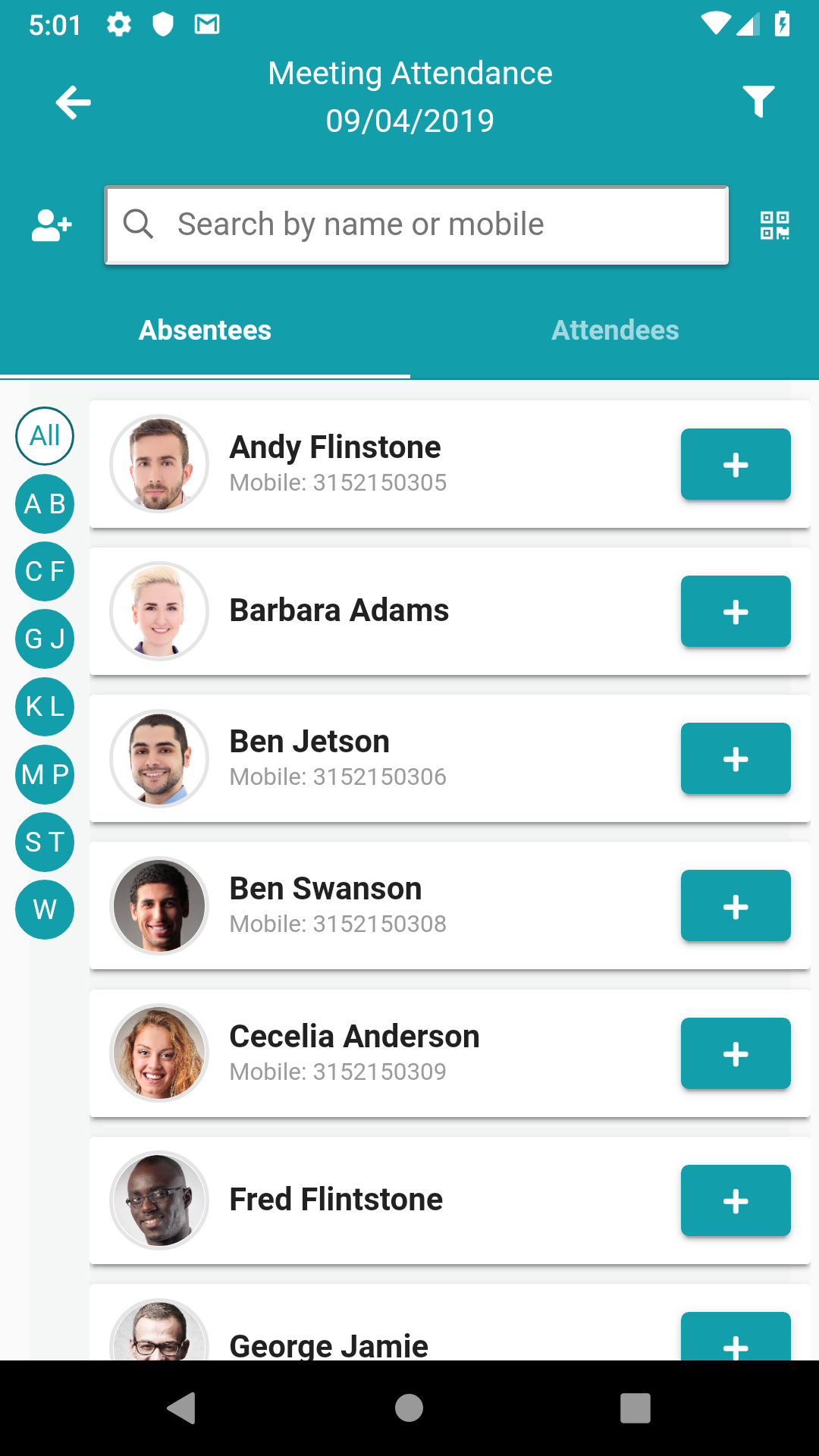
After testing out various church management software options, I must say that I was pleasantly surprised by the functionality and ease of use of this particular one. The user interface is clean and intuitive, making it simple for even the less tech-savvy members of our team to navigate.
- The communication features are top-notch, allowing us to easily send out announcements and reminders to our congregation.
- We especially appreciated the event planning tools, which helped us organize and manage everything from weekly services to special events.
- The volunteer management capabilities were also a game-changer for us, making it easy to recruit and schedule volunteers for various church activities.
Overall, this software has truly streamlined our church management processes and helped us better connect with our members. We highly recommend it to any church looking to improve its operations and communication.
Key Features:
- Effective communication tools
- Seamless event planning capabilities
- User-friendly volunteer management system
FAQ:
- Q: Is this software suitable for small churches?
- A: Yes, this software can be tailored to fit the needs of churches of all sizes.
- Q: How easy is it to transition from another church management software to this one?
- A: The transition process is relatively smooth, and the customer support team is there to assist with any questions or issues.
- Q: Can multiple users access the software simultaneously?
- A: Yes, multiple users can log in and use the software at the same time, making it convenient for team collaboration.
Overview of ChMeetings
Overview of ChMeetings Features
- Groups Management
- Access Restrictions
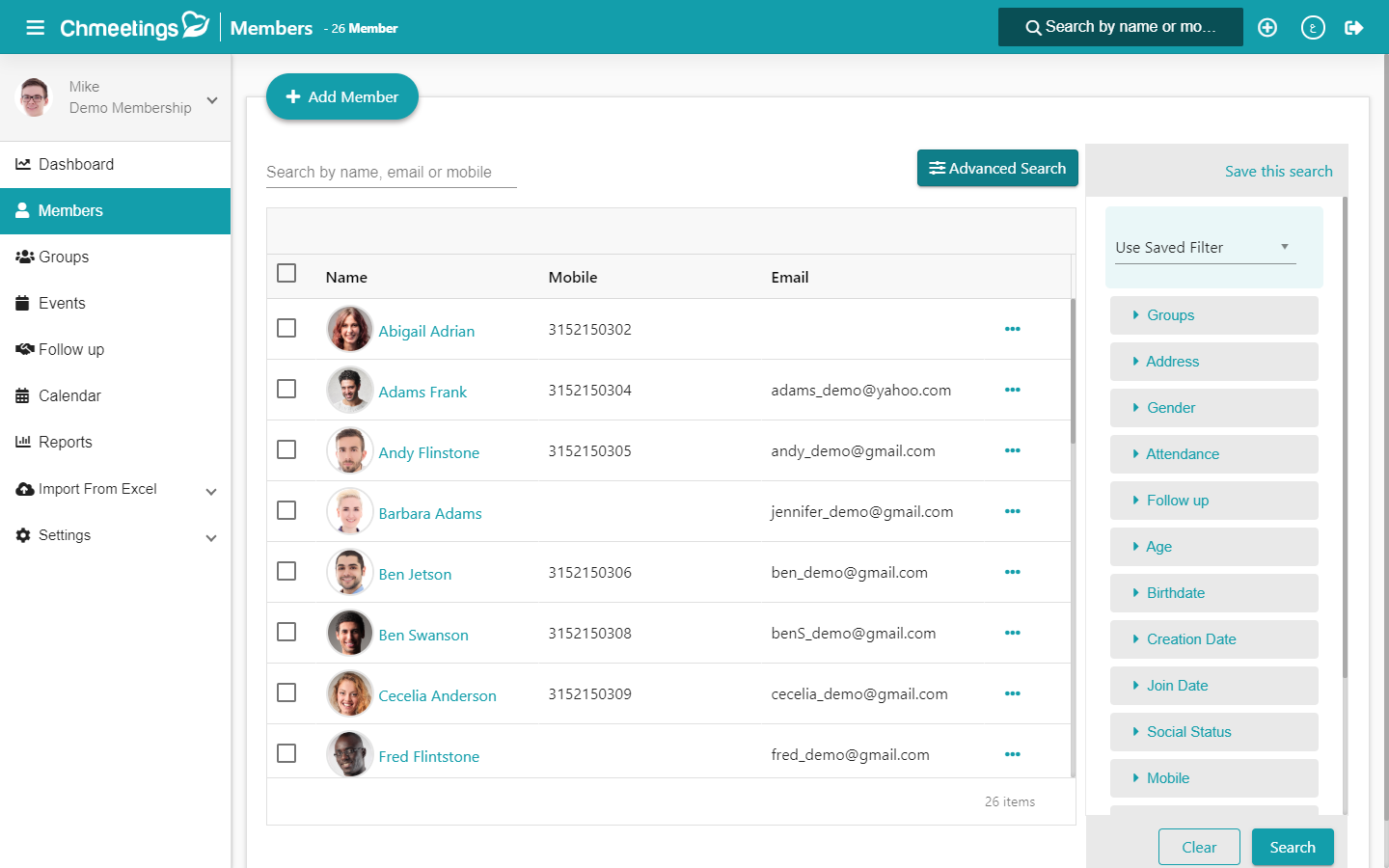
- Member Management
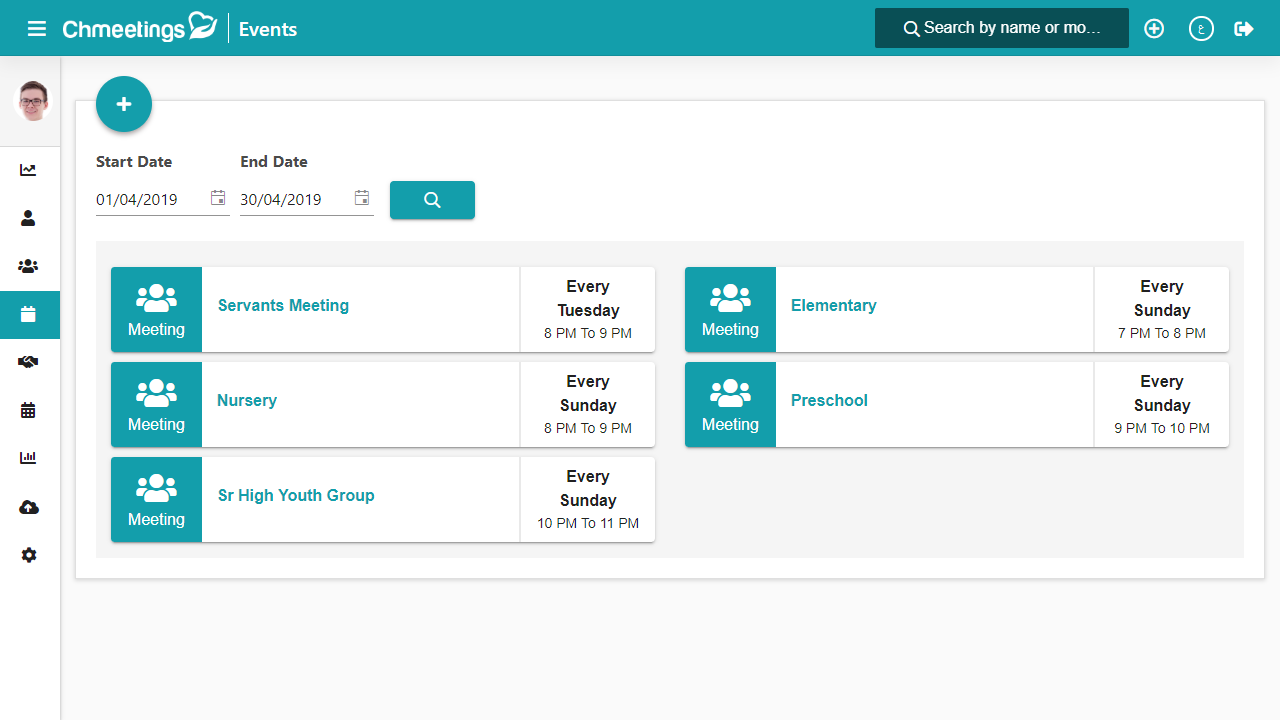
- Events Organization
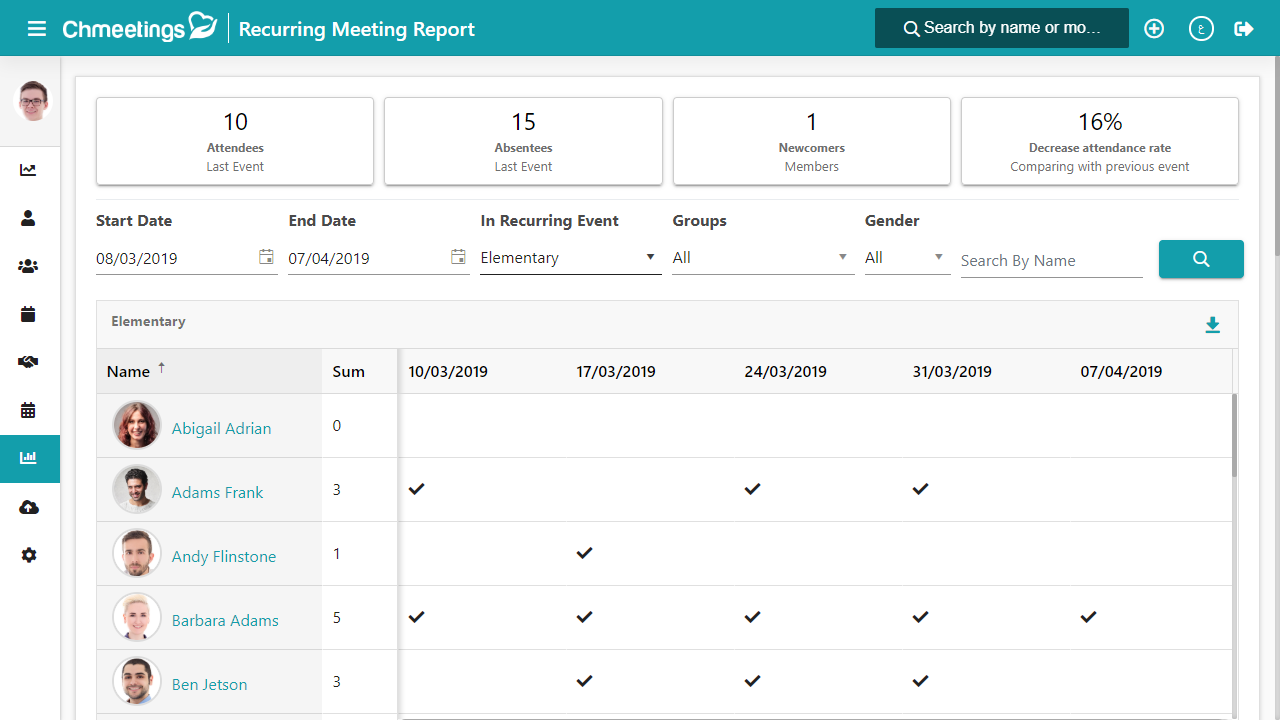
- Reports
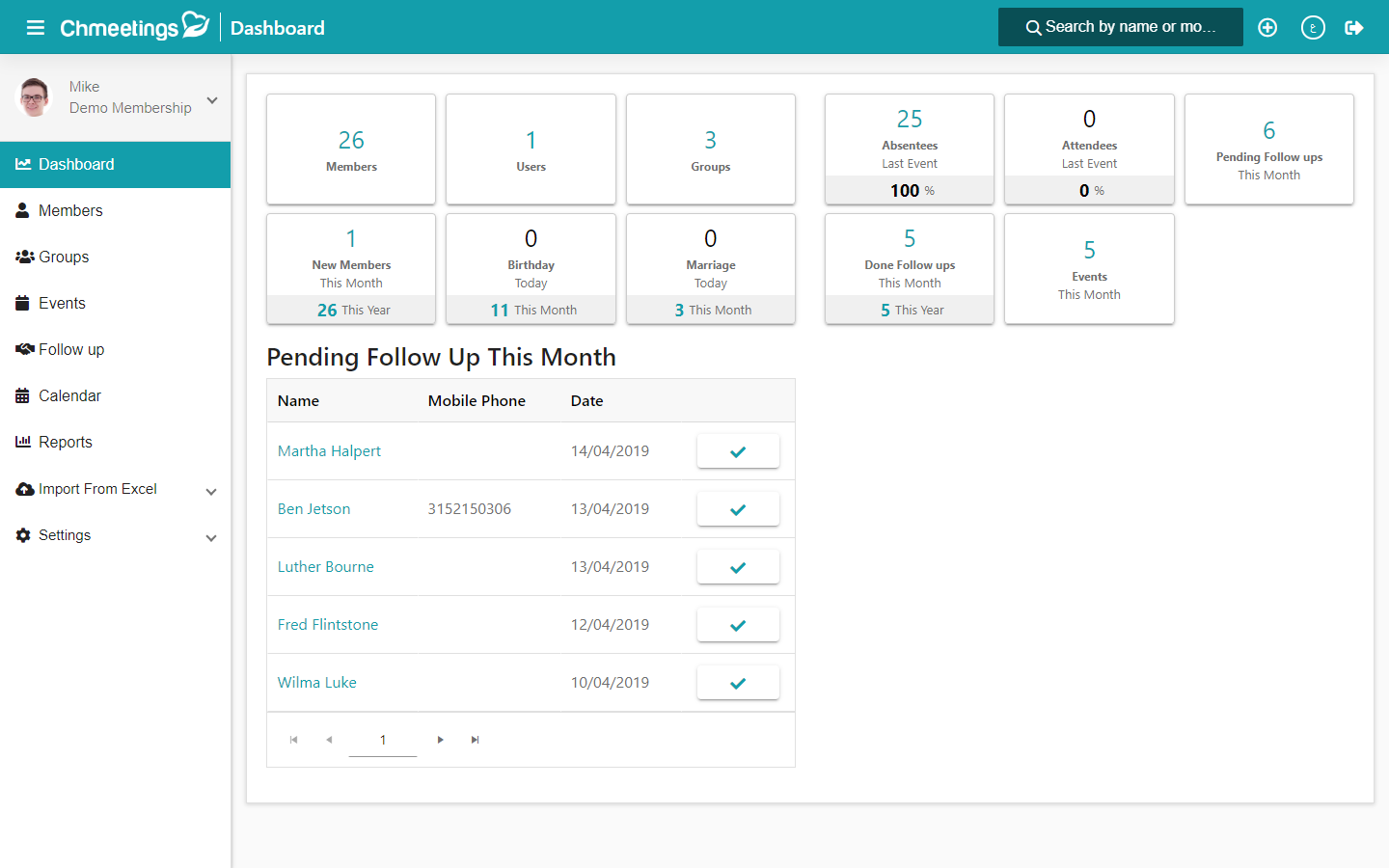
- Follow-Ups
- Daily Backup
- Data Import
- Bulk Text Messaging
Gallery
Videos
Pricing Plans
40
Unlimited
20
Up to 500 names
30
Up to 1000 names
10
Up to 250 names











Report a problem Claim this Profile
Add New Comment