

What is WorkBright?
Key Features:
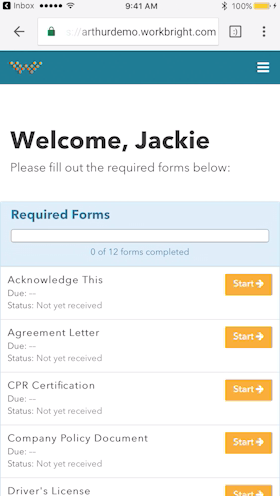
- User-Friendly Interface: The software's interface is exceptionally user-friendly, making it easy for both HR professionals and employees to navigate and utilize its numerous features.
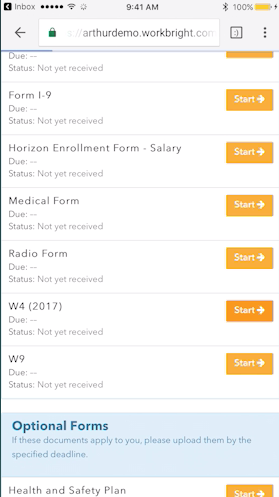
- Online Document Management: Gone are the days of dealing with paper-intensive onboarding processes. This software allows for seamless online document management, ensuring that all necessary paperwork is efficiently completed and securely stored.
- Automated Workflows: With the software's advanced automation capabilities, tasks and workflows are streamlined, reducing manual effort and saving time for HR teams.
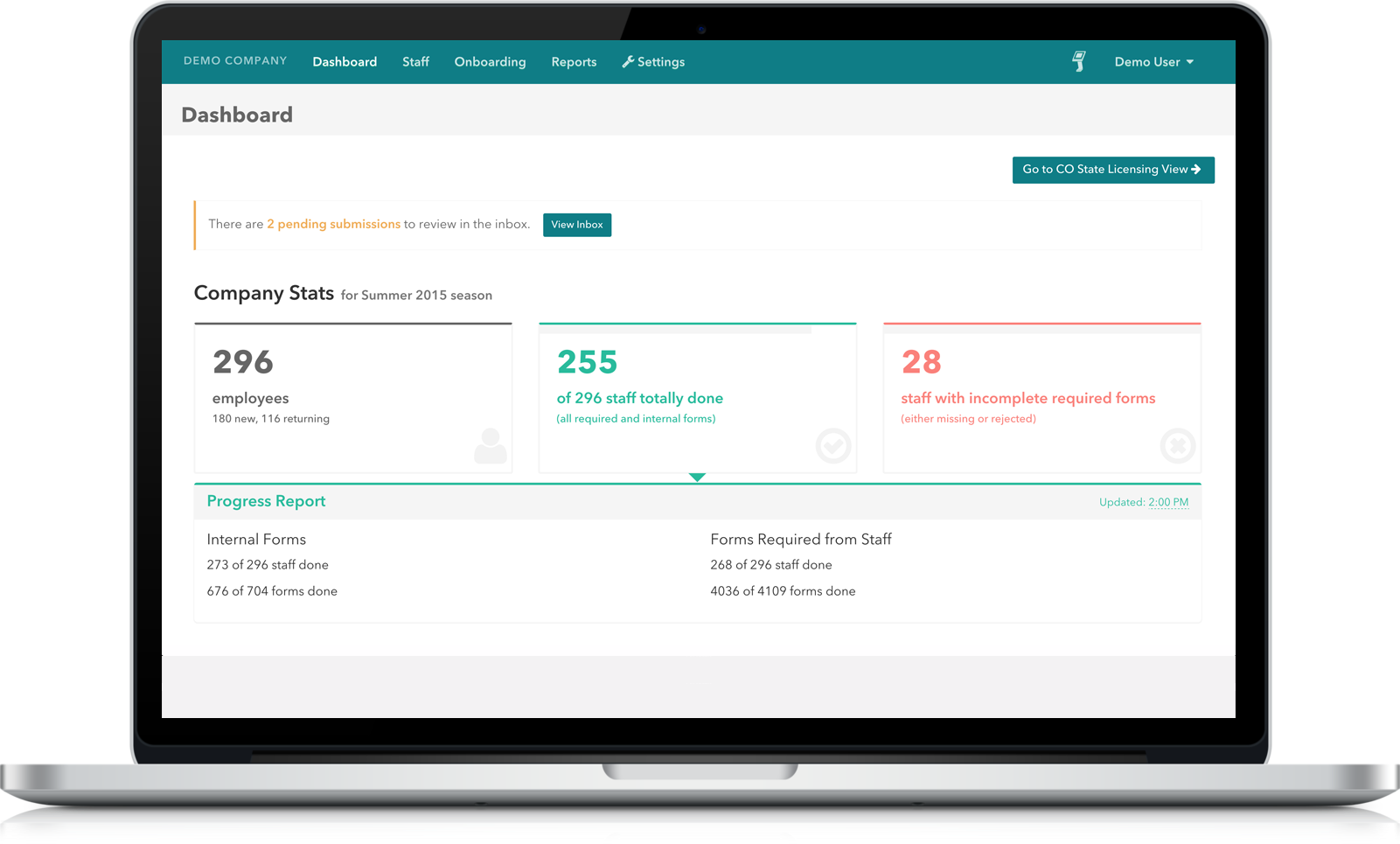
- Compliance Tracking: Ensure compliance with state and federal regulations by effortlessly tracking and managing required documentation.
- Customizable Forms: Tailor the onboarding process to your company's unique needs with customizable forms that can be easily created and modified.
- Real-Time Reporting: Gain valuable insights into the onboarding process with real-time reporting and analytics, enabling data-driven decision-making.
Frequently Asked Questions:
- How secure is the software?
- The software takes data security seriously and employs top-notch encryption and security measures to safeguard sensitive information.
- Does the software integrate with other HR systems?
- Yes, the software seamlessly integrates with popular HR systems, ensuring a smooth and integrated workflow.
- Is there a mobile app available?
- Absolutely! The software offers a robust mobile application, allowing employees to complete onboarding tasks on the go.
- Can the software handle high-volume onboarding?
- Yes, the software is designed to handle high-volume onboarding, making it suitable for companies of all sizes.
In conclusion, With its user-friendly interface, comprehensive features, and ability to streamline workflows, it has truly transformed the way companies onboard new employees. Whether you're a small startup or a large enterprise, this software is worth considering to optimize your onboarding process and enhance overall efficiency.
WorkBright features
- Automated email reminders
- Document management
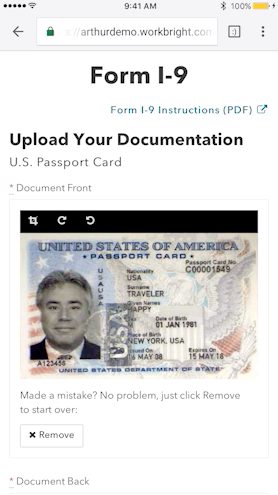
- I-9 completion
- Data import & export
- Upload scanning and transcribing
- Photo upload
- Integrated ATS
- Electronic signature
- Bank-grade Security
- Online forms
- Custom reports
- Field-level reporting ability
- Custom directories
- Field validation capability
WorkBright pricing
Prices as published by Workbright. Confirm current pricing on the vendor's website.
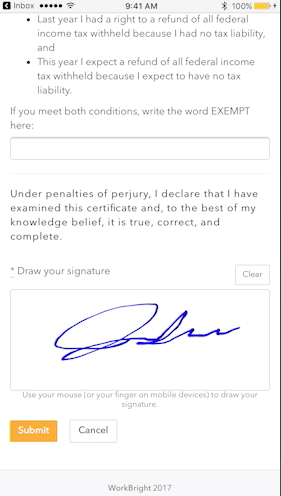
WorkBright screenshots

Videos
Downloads
WorkBright product details
Seller
Workbright
HQ Location
Boulder, CO
Year founded
2014
Language supported
English
Devices Supported
Windows
Mac
Web-based
Deployment
Cloud Hosted
Open API
Customer Types
Small Business
Large Enterprises
Medium Business
Freelancers
Pricing Model
Monthly payment
Support
Email
Phone
WorkBright alternatives







WorkBright reviews
No user reviews yet. Have you used WorkBright? Share your experience below.
Write a review
Your Comment has been sent successfully. Thank you! Refresh
Error: Please try again